Ask the evidence
You can ask questions of your evidence in two places.
On a study report: one study
The Ask the evidence card on a study report answers only from that study's clips, and every line cites one.
- Open the study's Study report tab.
- Type a question in Ask about this study, for example "Why do they actually cancel?".
- Read the answer, and click the citations to play the clips.
The conversation lasts while you're on the page. Observers can read the study report but can't ask questions; a researcher with edit access can.
With Eva: everything
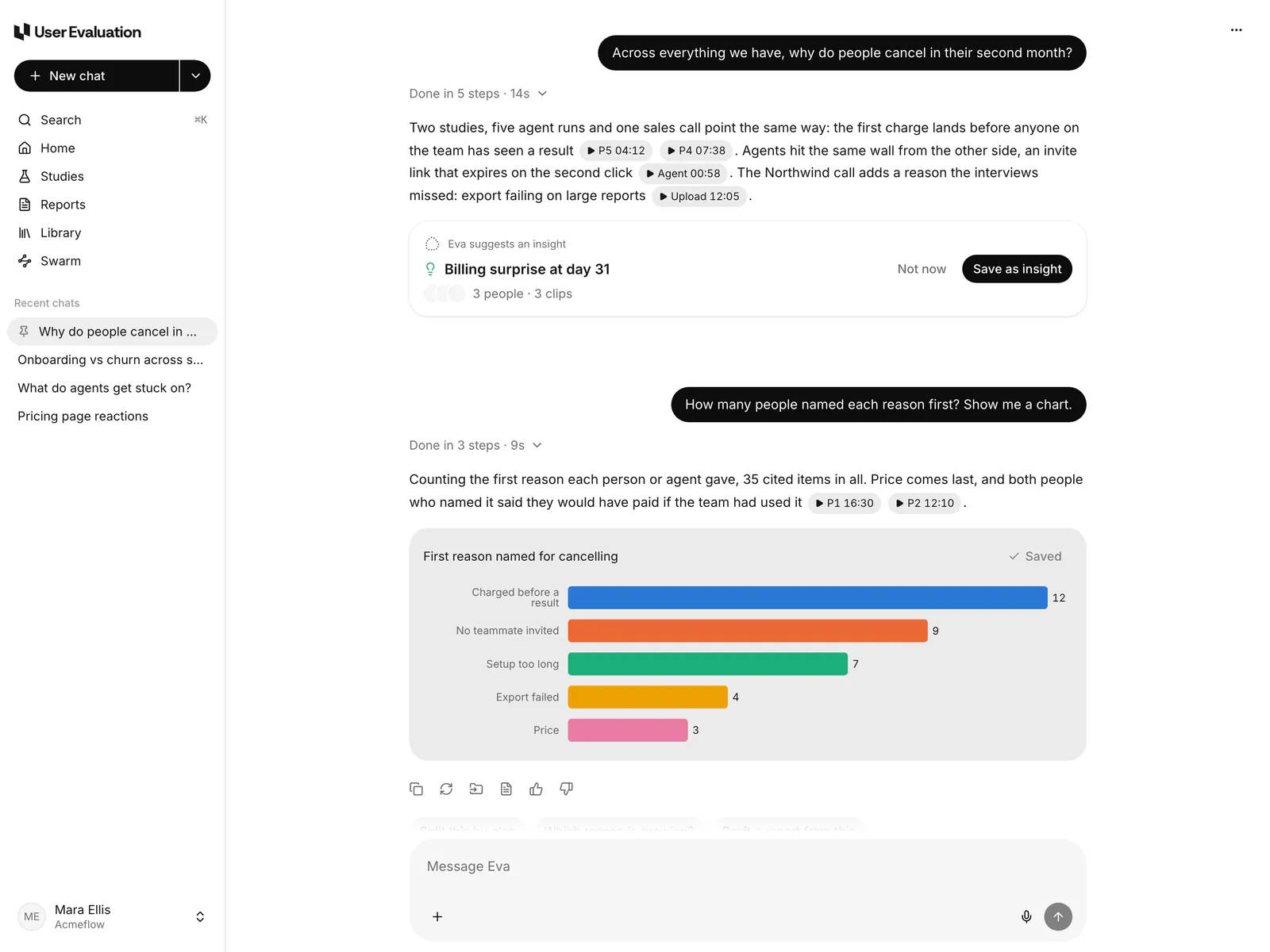
On Home, or in any chat, ask Eva across your studies, Swarm runs and uploads. You choose the sources Eva can use:
- Your workspace: studies, sessions, clips, study reports and Library files.
- Web, Academic papers and Reddit, for outside context.
Eva marks which claims come from your evidence and cites them. See What Eva can do.
Tips
- Ask about behaviour and reasons: "What did people try before they found us?"
- Ask for disagreement: "Who disagreed with the majority, and why?"
- Ask for a count: "How many people mentioned price?", then open the clips to check.